Give it a purpose
Add a purpose and a review date: today, in seven days, or a date you choose.
 SpaceLens
Keep the memories. Give temporary captures a review date. Parking notes, shopping references, screenshots: useful today, yours to review later.
See how it worksContact supportAn iOS app. App Store link will be added after release.
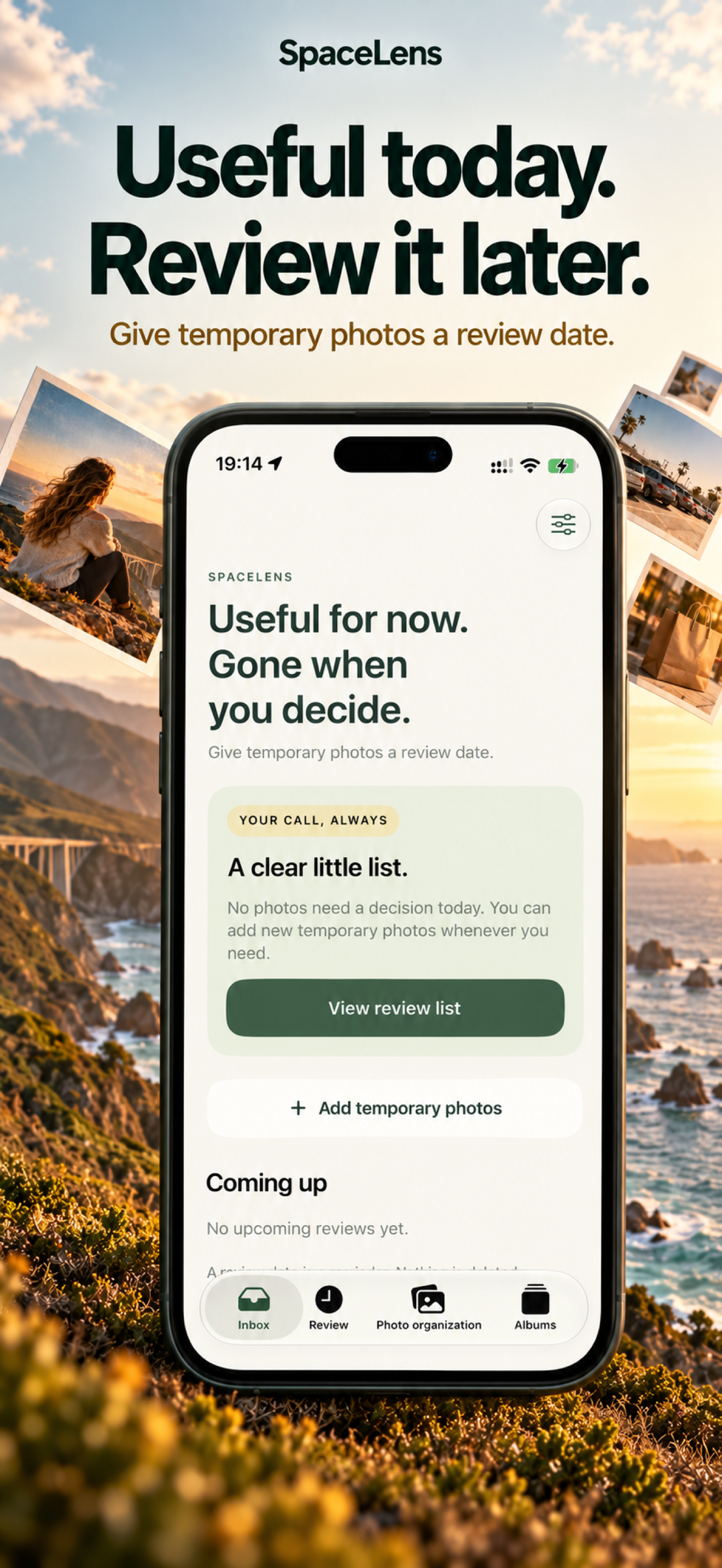
Add a purpose and a review date: today, in seven days, or a date you choose.
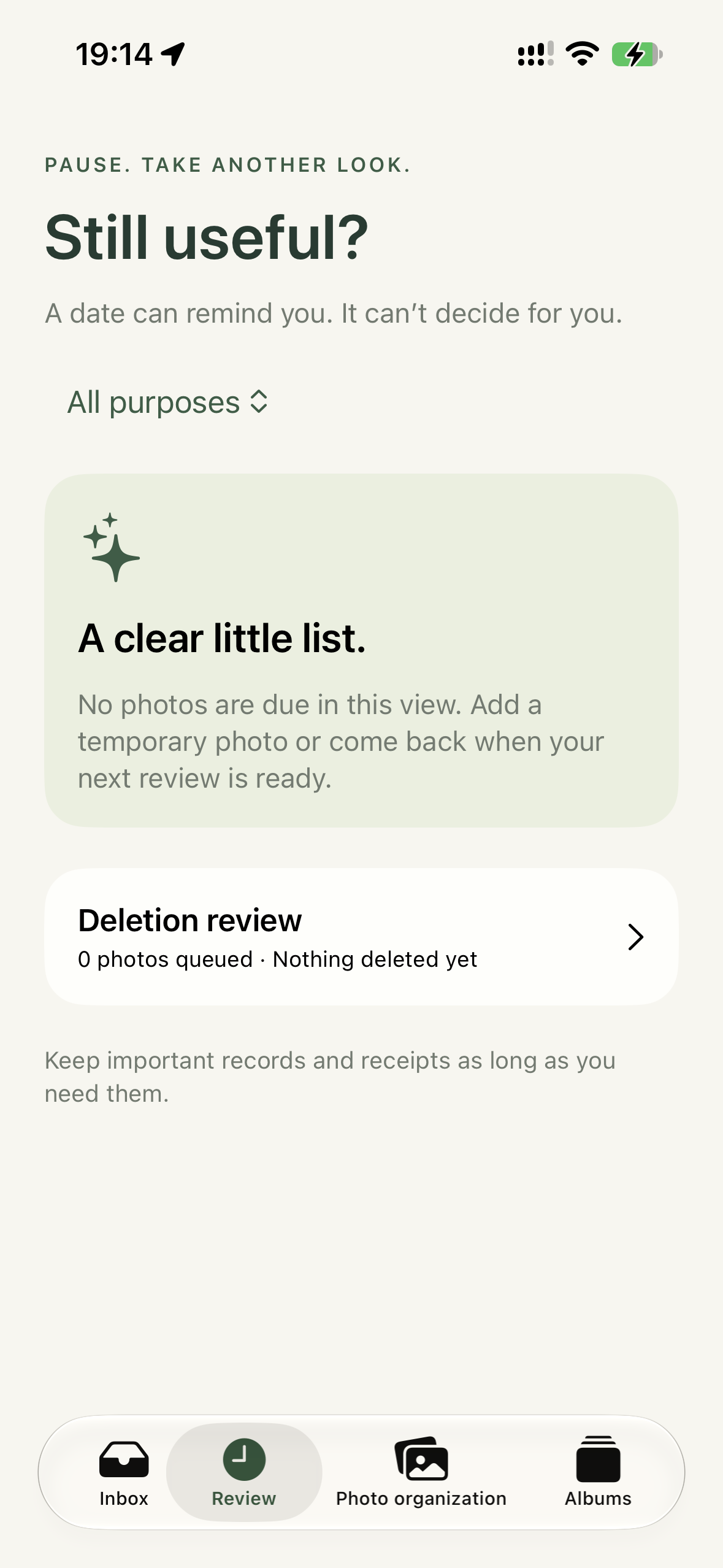
Keep, postpone, or queue for deletion. Review dates never trigger automatic deletion.
Restore individual choices or the whole queue, then confirm deletion through Photos.
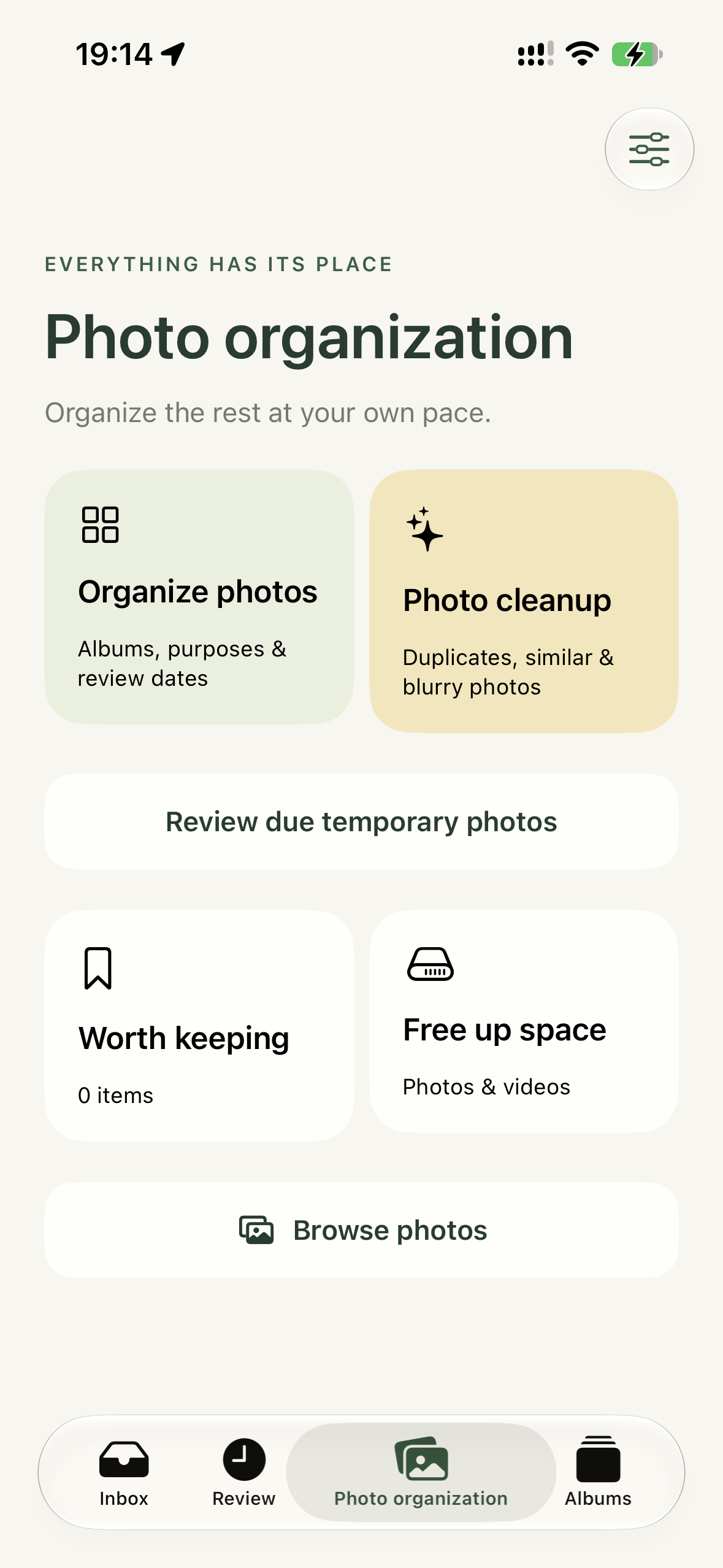
Browse photos, create Memory Albums, and explore eight assisted cleanup categories. Memory Albums are Photos albums created in the app, not backups.
Similarity and blur are heuristic suggestions; video analysis samples frames and can be wrong. Cloud-only content and some media may be skipped.
Review whether a capture is still useful. Favorites and items marked Important or Keep are excluded from automatic selection. You confirm every deletion.
This release has no advertising or third-party behavioral analytics SDKs and does not upload photos to us. Apple iCloud Photos, notifications and backups follow your system settings.
Deletion may sync across iCloud Photos devices and normally enters Recently Deleted. Available space may update later.
Read the full Privacy Policy →